🌍 User Created Flying Fields and Sceneries
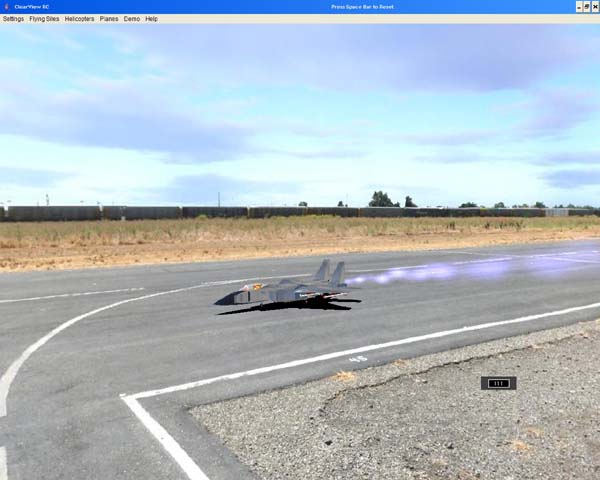
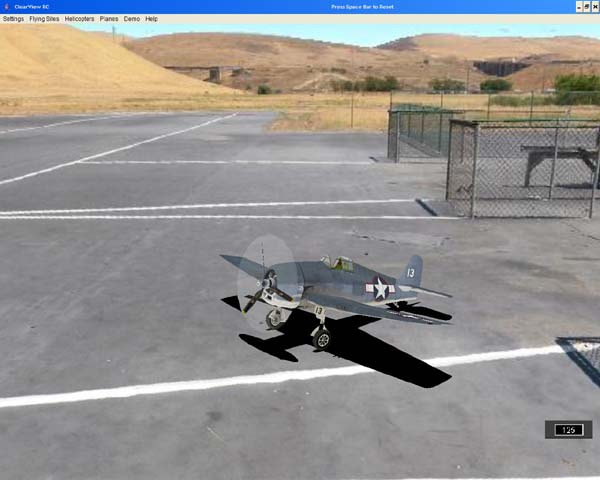
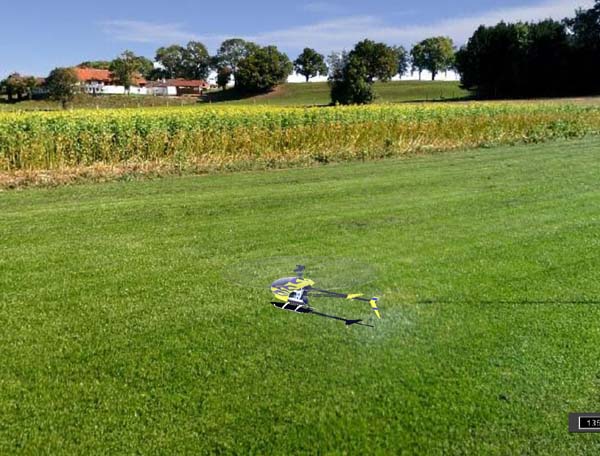
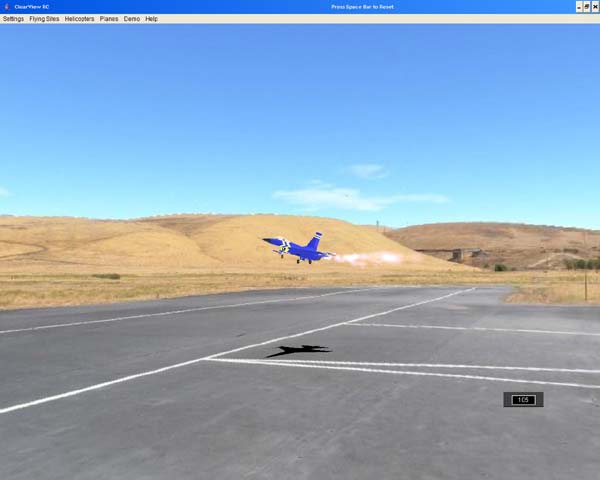
ClearView uses high-quality photo-realistic flying fields with advanced 3D collision detection. Registered ClearView customers can download and install these additional flying fields or create their own and import them into the simulator.
Installation Note:
To install any flying field below, download the `.zip` file and extract its content under the `c:\ClearViewRC\clearview\landscapes` folder. Restart ClearView for the changes to take effect.
Free "Add-on" Flying Fields (Photo-Realistic)
Attention HD Users:
Flying fields ending with HD are High Definition and may require a newer or better video card to load. Load time may be slower, but the image quality is higher. Recommended for monitors with HD resolution and up.
Community-Contributed Sceneries (3D & Complex)
Many ClearView customers create their own sceneries using AC3D and the open scenery format for ClearView. If you would like your sceneries hosted here, please contact us using the support email.
Luke's Pure 3D Sceneries
These fields were created by Luke and showcase excellent "pure 3D" environments.
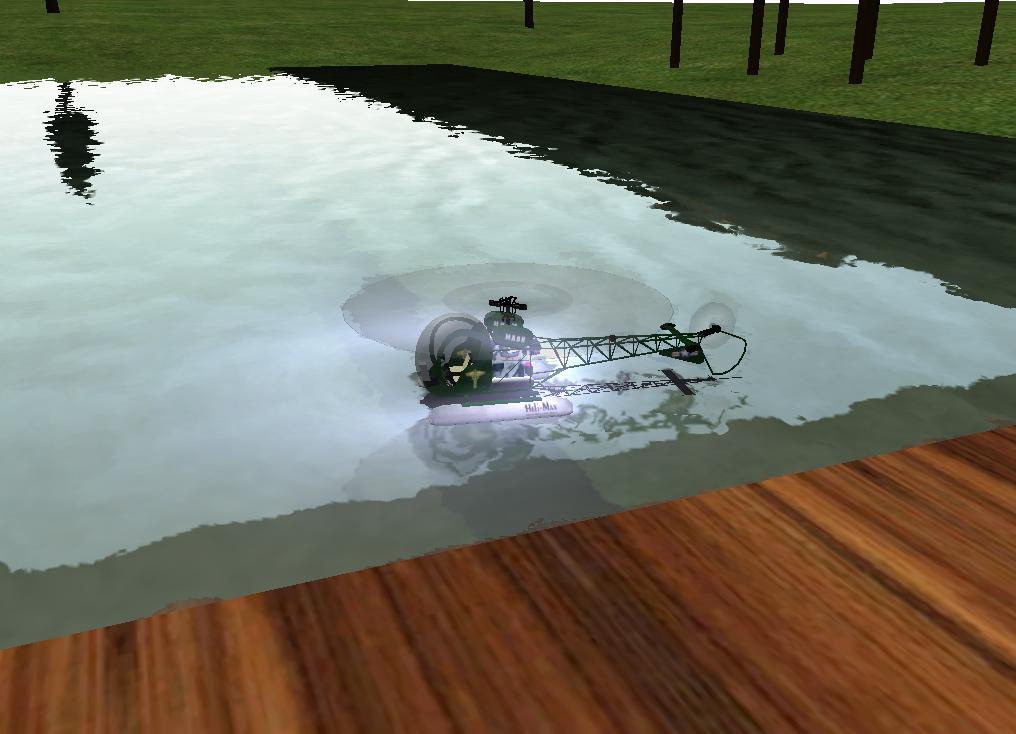 Download Clear View Pond
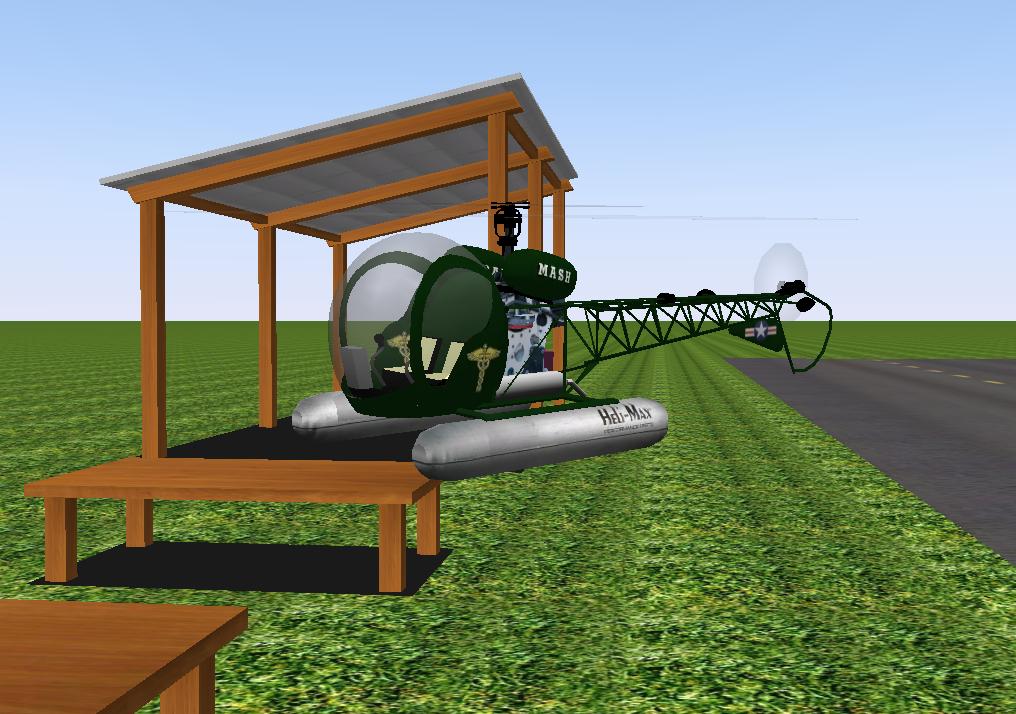 Download Lukes Field
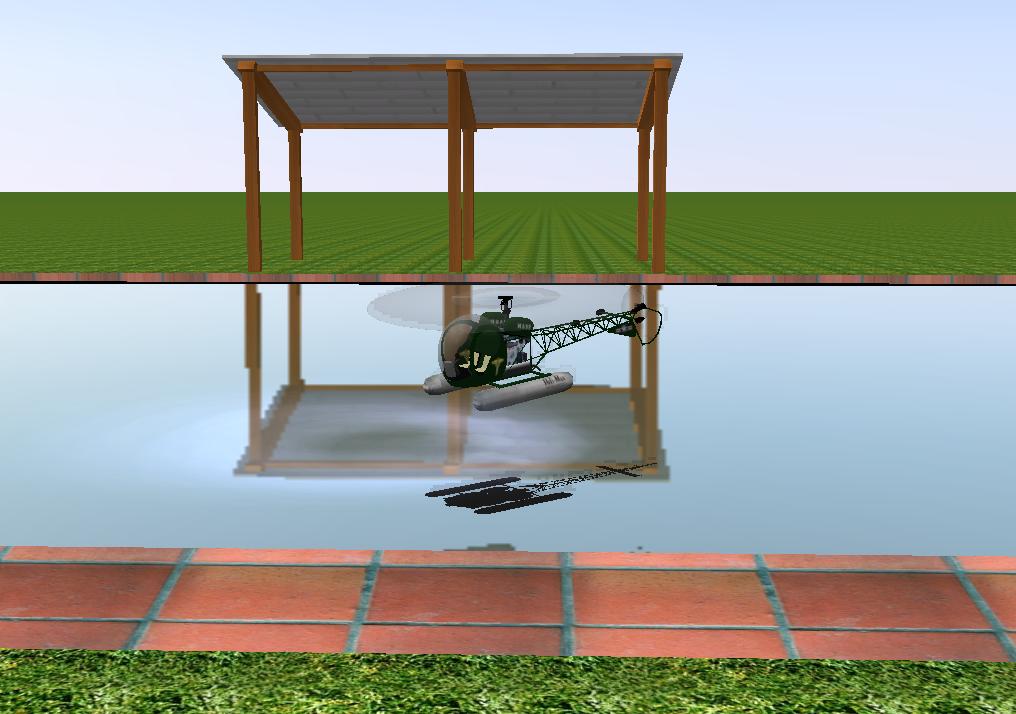 Download Lukes Field With Pool
Complex and Detailed Sceneries
Phoenixville Refinery (Interactive 3D)
Created by "Profanicus" from the ClearView forum. This complex scene demonstrates ClearView's capabilities for scenes with fully interactive/fly-behind objects.
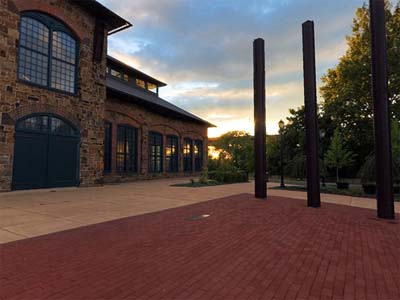 Download Phoenixville Refinery
Sceneries by Zsolt
Glen Evans Scenery
Glen Evans created this flying field based on the Gold Country Fliers club (Jackson, California).
How to Create Your Own Sceneries
You can import your own flying field into ClearView! The photorealistic virtual environment is based on the common 360x180 degree panorama format (also known as equirectangular).
Using a digital camera, you can take pictures of your flying site and use one of many commercial packages to stitch them into a complete spherical panorama. These files typically have an aspect ratio of 2:1 (e.g., 8160 x 4080 pixels). All user-developed panoramas on the Internet that are in the 2:1 aspect ratio or 8160x3060 size are drop-in compatible with ClearView.
You can also add full collision detection to any flying field. Just read this document for details:
Sample Screenshots